Proofing a menu before print: the ten-minute routine that saves a reprint
A ten-minute menu proofing routine before you print: prices, allergens, widows, bleed, fold and the mistakes that cost a whole box of 350 g board.
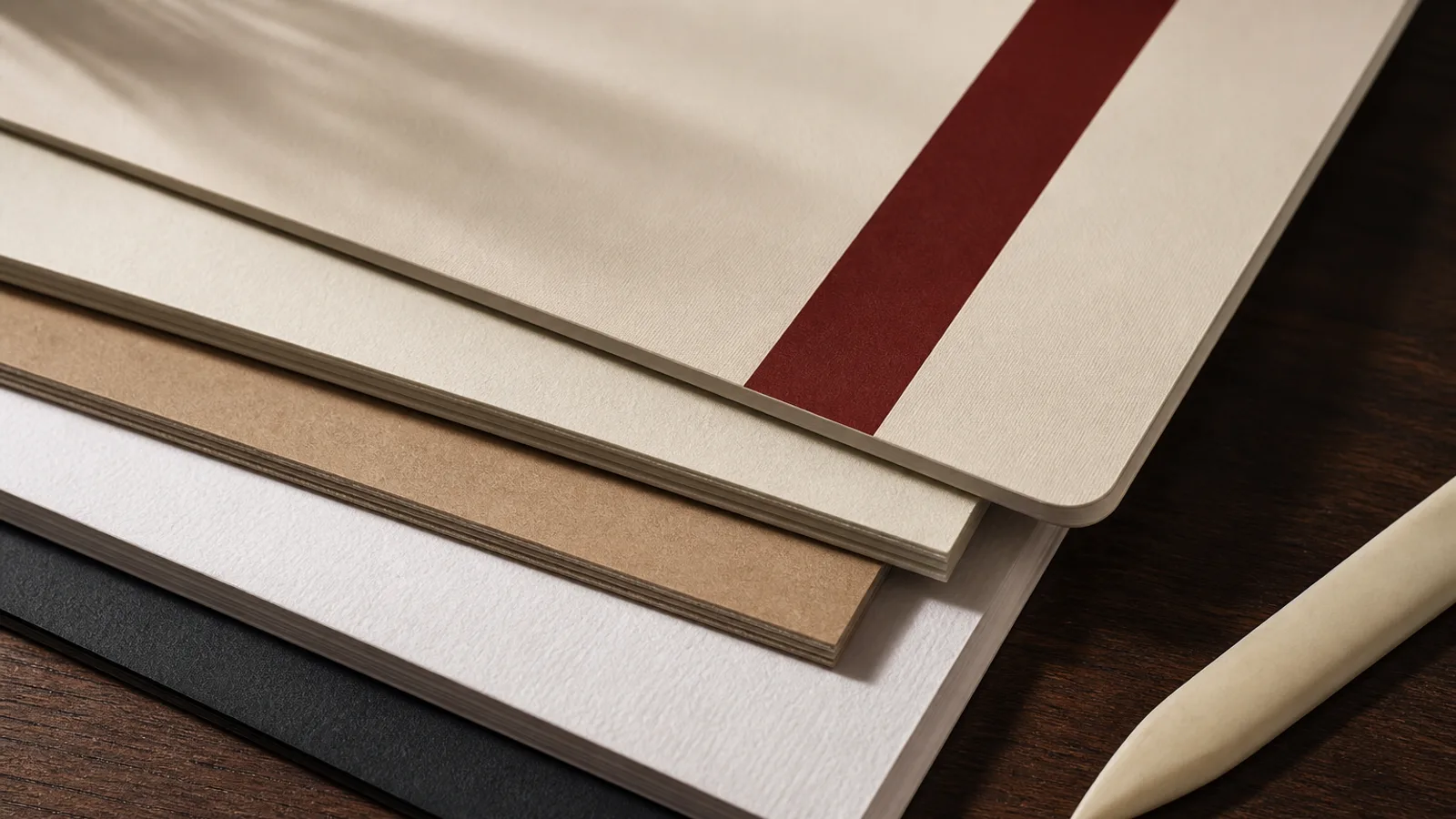
The reprint you regret is almost never the paper. It is a price that moved on Tuesday, an allergen missing from the new sauce, a fold that cuts a word in half, or a logo sitting 1 mm from the trim. All of those are visible on a PDF if you look with a method. Ten minutes, one printed laser at actual size, and a second pair of eyes will save a box of 350 g board more often than a new design will. This is the routine I run on every carte before it leaves the studio, in the order that catches the expensive mistakes first.
Read it as a guest, then as a cook
Open the PDF on a screen first and read every dish out loud, left column then right, or outside panel then inside. Your mouth finds doubled words, a missing accent, a price that still says last winter. Then read it again as the person who wrote the recipes: is the garnish still the one on the pass, is the soup the one on the board this week, did the vegetarian main change name. The guest read catches language; the cook read catches reality.
Prices are a separate pass. Do not scan. Put a finger on each figure and say it. Check the euro sign sits on the same side throughout, that you have not mixed 18 and 18,00, and that a set menu total is actually the sum of its parts if you show both. A crossed-out price on a printed carte is a confession you will live with for months.
Allergens are the pass you do not skip even when you are late. Regulation 1169/2011 wants the 14 allergens available in writing. If the printed carte is that writing, every dish that contains one of them must say so, in the system you chose (codes, full words, a key). A new beurre blanc is milk. A pesto that was sunflower is now pine nut. If the carte and the kitchen book disagree, the carte is wrong until you reprint or insert.
Look at the object, not the layout software
Print one copy on an office laser, actual size, even if the colour is wrong. Fold it if it is a bifold. Hold it at the table, not at the desk. Widows, a section title left alone at the foot of a column, a price stranded on the next line, a description that runs into the fold: the screen hides all of that because you can scroll. The sheet cannot scroll.
On a bifold, the inside margin is where type goes to die. Anything within 3 mm of the score will sit in the crease. Check both sides of the fold with the sheet closed and open. On a single sheet, check the outer 8 to 10 mm: no logo, no allergen key, no price sitting in the safe zone's danger strip.
Page size in the PDF properties should not read 210 × 297 mm for an A4 job that needs bleed. It should read 216 × 303 mm. If it reads exactly the trimmed size, there is no bleed, whatever the designer said. Crop marks should sit outside that bleed, not on the face. This is a two-minute check and it prevents the white hairline along the edge of a coloured ground.
Type, colour and the logo, once
Zoom to 200 percent and walk the edges of the mark and of every photograph. Stair-stepping means the file is below 300 dpi at the size on the page. A white box around the logo means someone placed a JPEG from the website. Fix those before you argue about the shade of ivory.
Colour on screen is a rumour. A bright house red in RGB will drop on a CMYK press, especially on uncoated stock. If the red is the brand, look at a contract proof or at least a digital proof on similar paper, not at a laptop by a window. Soft-touch film will dull the same red another notch; aqueous matt will dull it less. Know which finish you are buying before you sign off a colour you saw on glass.
- Read every dish and every price out loud; then read allergens against the kitchen book.
- Print actual size, fold if needed, hold it at a table; hunt widows, fold clashes and tight margins.
- Check PDF page size for 3 mm bleed and crop marks; reject a file that is exactly A4 or A5.
- Zoom the logo and photos at 200 percent; replace anything that stairs or sits in a white box.
- Confirm finish and stock on the ticket match the proof you are signing.
Who signs, and what they are signing
One name on the proof. Not a group chat of thumbs-up. The chef signs dishes and allergens. The owner or the manager signs prices and the legal lines (cover charge if you have one, service, the allergen statement). The person who will pay for the reprint should be the person who says yes. A proof that comes back with twelve comments in three colours is not approved; it is a new draft.
Write the date and the run quantity on the proof. Six weeks later, when someone asks why the lunch formule still lists the old soup, you will know which file went to press. Keep the signed PDF with the invoice. It is dull and it ends arguments.
If you change one word after approval, you have a new proof. Changing a comma in a PDF and hoping the press operator sees the email is how rooms end up with two versions on the same Saturday.
Ten minutes is a habit, not a mood
Put the routine on the same calendar as the reprint. The week the new carte is written, block half an hour: screen read, laser fold, second pair of eyes, sign. Skipping it because you are already late is how you become two weeks later, with a box you cannot use.
In Menu Atelier you can turn the design in 3D and switch A4 to A5 or single sheet to bifold before you download, which catches the fold and the margins that a flat screen misses. The print PDF still wants this ten-minute human pass: the software will put 3 mm bleed and crop marks on every export, and it will not know that the tartare came off on Tuesday. That last check is still yours. Do it, then order the short run on 350 g matt board with a soft-touch finish, 99 € plus 10 € a copy, instead of ordering twice.