AI menu design: what it does well, and what still needs a human
An honest map of AI menu design in 2026: the layout, typographic and prepress tasks it handles reliably, the ones where you still need to check, and how to split the work.
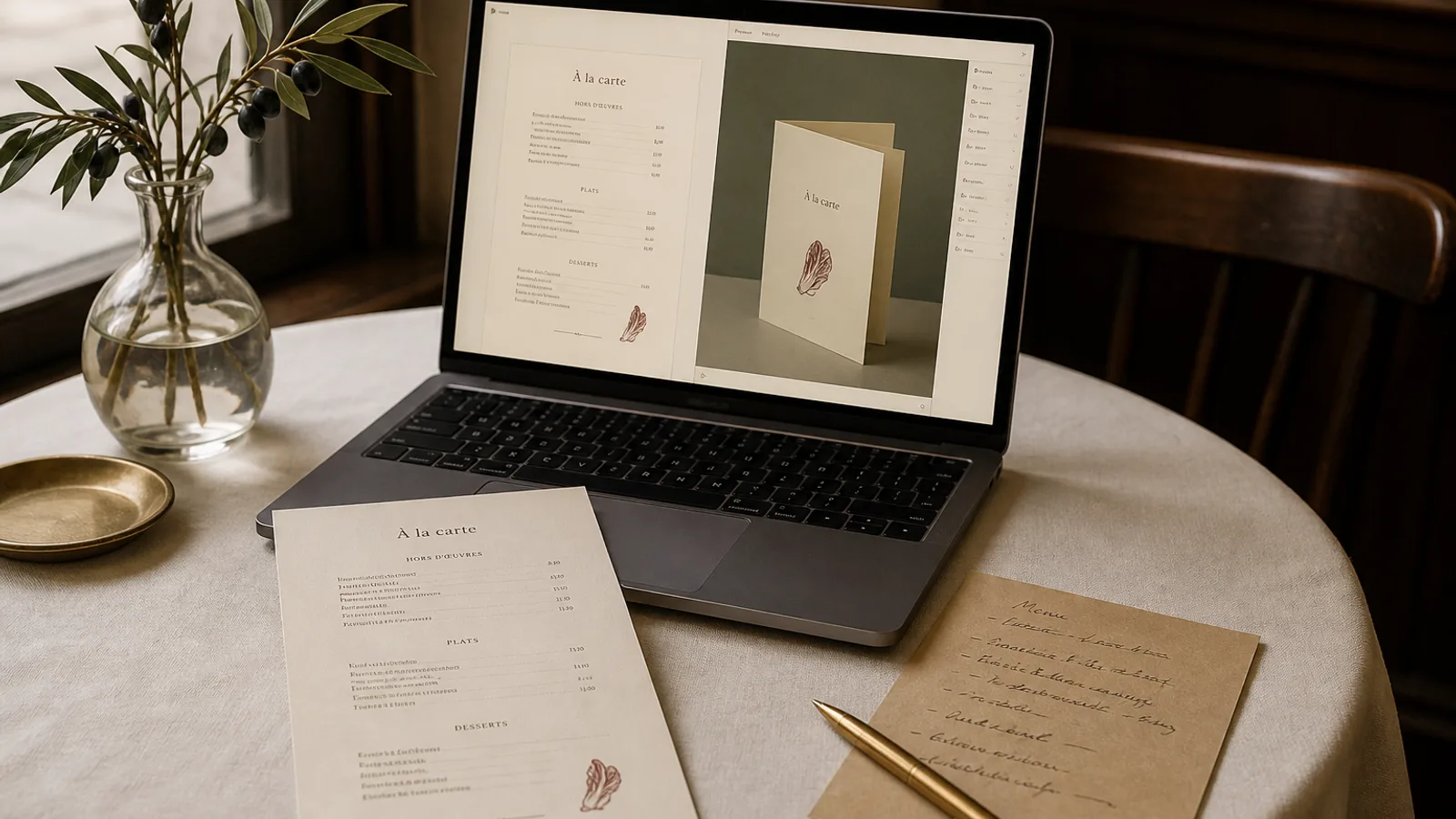
Restaurant owners ask two questions about AI menu design and they deserve straight answers: will it look like a real designer did it, and will it get anything wrong that costs me money at the printer. The honest reply in 2026 is that the first is mostly yes and the second is mostly no, with specific exceptions in both directions. This article maps those exceptions. It is written from the position of someone who has spent years doing menu prepress by hand and now watches the same tasks done by a system, and it tries to be precise about where the human still earns their fee.
What it does as well as a good designer
The mechanical core of menu design is now handled reliably. Type pairing that is coherent with a stated mood, a hierarchy of heading, dish name, description and price with sensible size ratios (roughly 1.6 to 2 between levels), consistent margins and gutters, aligned price columns with tabular figures, a palette derived from a logo and a set of brand photos: these are the things a competent designer would do in the first two hours, and a well-built system does them in seconds, consistently, without the Tuesday-afternoon errors a tired human makes.
It also handles the tedious variants faster than any studio. Reflowing 32 dishes from an A4 single sheet to an A5 bifold, keeping section breaks sensible and avoiding a lone dish at the top of a page, is a task a designer would bill an hour for and often get slightly wrong on the first pass. A system does it and shows the result in 3D before you have finished your coffee.
- Type pairing, hierarchy and spacing that match a stated mood
- Consistent alignment of prices, columns and rules across a whole menu
- Reflow between formats (A4, A5, single sheet, bifold, single or double sided)
- Prepress mechanics: 300 dpi export, CMYK conversion, 3 mm bleed, crop marks, safe margins
- Producing coherent variants (lunch, dinner, seasonal, language versions) from one source
What it does better than most designers
Consistency across versions. Human designers drift: the Spanish menu made in March uses a slightly different heading weight from the French one made in January, because a different person opened the file. A system regenerates every version from the same design rules, so a bilingual or multi-venue operator gets a family of menus that genuinely match. Speed of iteration is the other one: fifteen variations in an afternoon, with a real preview, is something no studio offers at any price a restaurant would pay.
Where it still needs you to check
The system does not know your dishes. It can lay out a description; it cannot know that the description is wrong, that the allergen marker is missing on the pesto, or that the price of the ribeye went up last week. Content accuracy is yours, and the most useful habit is to treat every generated menu as a proof to be read line by line, exactly as you would a proof from a printer. The same goes for legal mentions: allergen keys under Regulation 1169/2011, origin statements for meat where national law requires them, the service charge line. The system will place them beautifully if they are in your source; it will not invent them.
It also does not know your room. A design can be coherent with the brief and still wrong for the space: too formal for the way your staff actually talk, too dense for the lighting at 9 pm, a paper colour that fights the tablecloths. The first time you hold a printed proof in the dining room, you will see things no screen showed. Order one copy before you order fifty.
Taste and judgement
A system can produce a design that a designer would sign off on. It is much weaker at knowing which of four good designs is right for your restaurant, because that judgement depends on things outside the menu: the neighbourhood, the competitors, the guest you want more of. This is where an hour with a designer, or simply a quiet conversation with your most opinionated regular, still matters.
Where it should not be trusted alone
Generated imagery. Illustrations, ornaments and icons produced on the fly are usable when they are abstract or geometric, and unreliable when they are supposed to depict a specific dish, a specific building or lettering. A generated image of your façade will be plausible and wrong; a generated word in an ornament will often be misspelt. Use your own photography and your own logo for anything representational, and reserve generated assets for texture and pattern.
Copywriting for dish descriptions is the other area to watch. A system can smooth and shorten your descriptions and will do so competently; asked to write them from a dish name alone, it will produce menu prose that sounds like every other menu. Write your own descriptions and let the system typeset them.
How to split the work
A practical division that works for most independent restaurants: you own the content (dishes, descriptions, prices, allergens, legal mentions) and the brief (mood, density, one refusal). The system owns layout, typography, format variants and prepress. You check every proof as you would from any printer, and once a year, or when the concept changes, you spend an hour with a designer or a trusted eye on direction rather than execution.
That split gives you a print-ready menu in an afternoon at a fraction of a studio fee, and it keeps the two decisions that genuinely need a human, what the menu says and what kind of place you are, firmly in human hands.
The honest scorecard
Layout, typography, reflow and prepress: trust it, and check the proof like you would any proof. Content, legal mentions and pricing: yours, always. Representational imagery and description writing: keep the human in the loop. Direction and taste: still the one thing worth paying a person for, and it now costs an hour instead of a project.
Menu Atelier is built around exactly this split: you paste dishes, upload a logo and photos and write one sentence; the system lays out, reflows and exports with bleed and crop marks added automatically, and the 3D preview plus a single printed copy are your proof before a full run.