Menu design for restaurant groups: one system, many venues
How a restaurant group builds a menu design system that works across venues: shared grid and typography, local dishes and prices, versioning and a print workflow that scales.
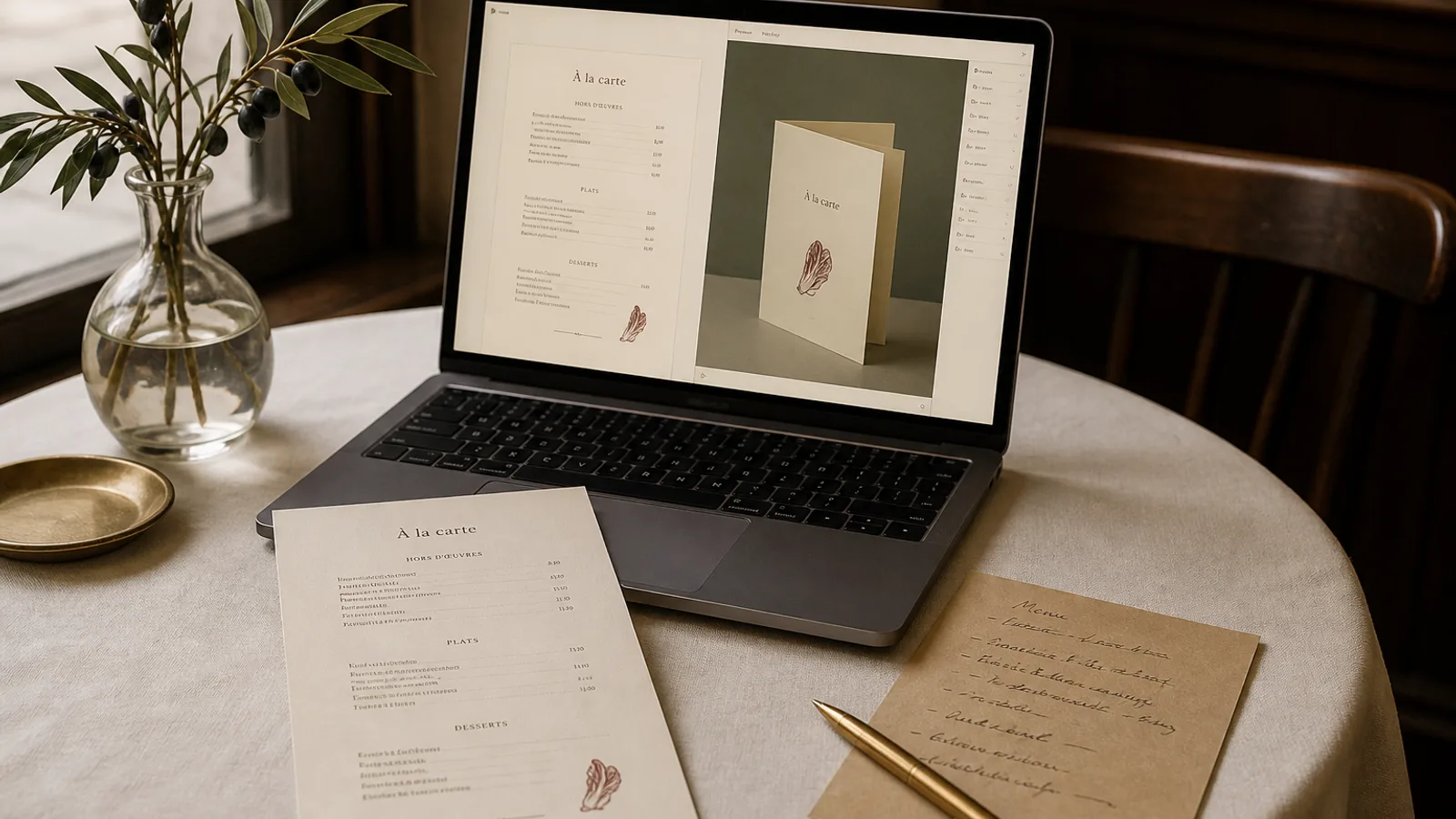
Two venues is already a group. The moment the second site opens, the menu stops being a one-off design and becomes a system: the same brand, a different room, a chef who wants three local dishes, a manager who prints a quick fix on the office printer when the supplier changes. Without rules, the two menus drift apart within a season. This article describes how to set up a menu system for a group of 2 to 30 venues, what must be fixed centrally, what should be left local, and how to run updates without a designer on every site.
Fix the skeleton, free the flesh
A good menu system separates two layers. The skeleton is everything a guest recognises before reading a single dish: format, grid, typefaces, sizes, colour, the way prices are set, the position of the logo, the footer. The flesh is the content: dishes, descriptions, prices, section names where they vary, the odd local speciality.
The skeleton is decided once, documented, and locked. The flesh is owned by each venue within limits. The classic failure is the reverse: head office dictates the dishes and leaves the layout to whoever has a copy of the software, and you end up with the same carte set in four different typefaces.
- Central and locked: A4 or A5, single sheet or bifold, margins (a 12 to 15 mm outer margin is standard), typefaces and sizes (for example 11 pt dish names, 9 pt descriptions, 14 pt section titles), price alignment, colour values in CMYK, paper specification, footer text and the allergen statement required by Regulation 1169/2011.
- Local within limits: dish list up to a maximum line count per face, descriptions up to 20 words, prices, up to two venue-specific sections, the venue address.
- Never local: the logo file, the fonts, the colour, the paper, and anything that appears on more than one venue's menu.
Design for the longest menu, not the flagship
Groups usually design the system on the flagship's menu and then discover that the neighbourhood site has 12 more dishes and a lunch formula. Build the template around the venue with the most lines and the longest dish names, then check that the shortest menu still looks full rather than empty. Two variants of the same skeleton, a 2-face and a 4-face version, cover most groups without breaking the family resemblance.
Set a hard capacity per face and write it down: for instance 42 lines on A4 at the system's sizes. When a venue exceeds it, the answer is to cut or to move to the 4-face variant, never to shrink the type. A group menu at 8 pt in one venue and 10 pt in another is more visibly inconsistent than a different set of dishes.
Pricing across venues
Most groups run different prices in different cities, and the design must accommodate this quietly. Right-aligned price columns with dotted leaders make price differences between venues invisible to anyone who is not comparing cards side by side. Prices set inline after the description, with no leaders, are more elegant but make a 16 in Lyon and a 19 in Paris more noticeable when a guest has visited both.
Fix the notation centrally: whole euros without decimals, or two decimals, or the € sign, but the same everywhere. A venue that switches to .90 endings on its own is doing menu engineering against the group's positioning, and it shows.
One source of content, versioned
The technical heart of a group's menu system is a single content source per venue, kept in a structured form (a spreadsheet or a tool with fields for name, description, price, section, allergens) rather than in a design file. The layout is generated or updated from that source. This is what allows a price change on 14 sites to be a data update rather than 14 design jobs.
Version everything with the venue code and the date: LYON-2026-09-v2. Keep a table of what is currently on the tables at each venue. When a supplier change forces a dish off the menu, you want to know in two minutes which venues are affected and which print run they are on.
Who approves what
Three approval levels are enough. The venue manager approves content changes within the limits. The group's brand owner approves anything touching the skeleton, including exceptions. Legal or the group's food safety lead approves the allergen statement and its updates. Write this down; the alternative is a chef in venue 7 redesigning the wine list because the printer nearby had a nice paper sample.
Printing for a group
Centralised printing gives consistent colour and paper; local printing gives speed. Most groups end up with a hybrid: the main carte printed centrally in batches of 30 to 60 per venue on the specified board (350 g with a matte or soft-touch finish is the usual choice, because it survives months of handling), and daily specials or lunch cards printed locally on 160 to 200 g paper inserted into the main card.
Order per venue, not per group. A run of 40 for each of 10 venues costs more per unit than 400 identical menus, typically 3 to 5 € per bifold versus under 2 €, but it means each venue gets its own content and a manager never has to cross out a dish with a pen. Send print files with the profile your printer expects, usually Fogra39 / ISO Coated v2, and keep the colour build of the brand colour identical in every file.
Keeping the family together over years
Systems drift when nobody looks at them. Twice a year, put every venue's current menu on one table. You will see the venue that added a third section, the one whose descriptions crept to four lines, the one still printing the old footer. Fix them in one afternoon and re-lock the skeleton.
A tool that generates layouts from structured content makes this discipline easier to hold, because the skeleton lives in the design and the flesh lives in the data. In Menu Atelier a group can keep one style for its brand, feed each venue its own dish list and prices, switch a venue from A4 single sheet to A5 bifold in one click when its line count grows, and export print bundles or order printed menus per venue with the bleed and crop marks added automatically.