Opening a restaurant: the menu design timeline, week by week
A week-by-week timeline for designing and printing the menu before a restaurant opening: when to freeze dishes, when to proof, when to print and what to leave for later.
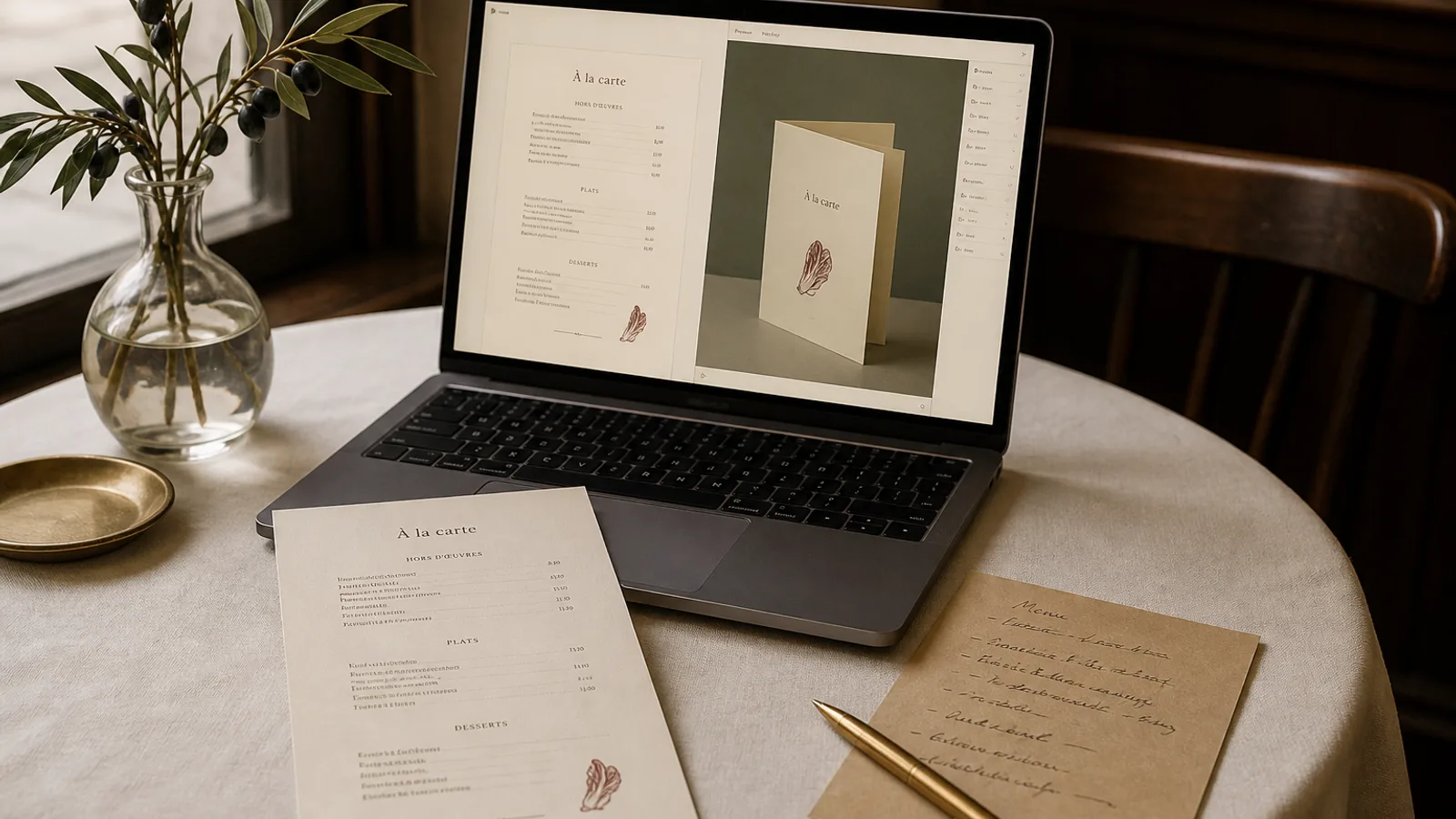
The menu is almost always the last thing finished before an opening and the first thing every guest touches. I have seen openings where the cards arrived from the printer at 5 pm for a 7 pm soft launch, still warm, with a price nobody had checked. The dishes were not late; the plan was. Here is a timeline that works backwards from opening night, with the dates at which each decision has to be closed and what happens if you miss them.
Eight weeks out: the menu exists on paper, not in the kitchen
Eight weeks before opening, the chef has a list of dishes and the owner has a positioning. That is enough to start the design, and it is a mistake to wait for the tastings. What you need at this stage is the shape of the menu: how many sections, roughly how many dishes per section, whether there will be a lunch formula, a tasting menu, a kids' card, a separate drinks list. Count the lines, not the dishes. A dish with a two-line description is three lines.
This count decides the format, and the format decides the printing budget. Around 40 to 45 lines fit on one A4 face at 10.5 pt with comfortable spacing; 70 to 90 lines call for a bifold. Decide now whether you want A4 or A5, single sheet or bifold, so that the brand work and the design work in the coming weeks are done on the right canvas.
Six weeks out: brand elements and a first layout
By week six you should have the logo in vector form, one or two typefaces and a colour palette, even if the signage is not up yet. If the brand is being made by an agency, ask them for the menu assets early; the menu is often left to the end of their schedule too. With these in hand, produce a first layout using the provisional dish list. Do not wait for final names or prices. Use placeholders that are the right length: a dish called "Roast chicken, tarragon jus" behaves like a real one; "Dish 1" does not.
This first layout has one purpose: to reveal problems of quantity. Too many dishes for the format, section titles that wrap, a wine list that needs its own card. Fix those now, when the fix is deleting a dish or adding a face, not on the night before printing.
Four weeks out: freeze the content
Four weeks before opening, the dish list, the names and the prices are frozen. This feels early to every chef I have worked with, and it is right anyway. The tastings in the final month will change details of cooking, not the structure of the carte, and a menu that opens with one dish crossed out is still a good menu. A menu that goes to print with wrong allergen information is not.
- Dish names as they will be printed, with capitalisation decided (sentence case reads better in long lists).
- Descriptions at their final length: 12 to 20 words is the range that fits two lines at 9 to 9.5 pt.
- Prices, including the decision on how they are written: 14 or 14.00 or 14 €, one convention throughout.
- Allergen approach: icons, a code per dish, or a statement inviting guests to ask, in line with Regulation 1169/2011 and the way your country applies it.
- Legal footer: service, cover charge where applicable, origin of meat where required, the line about allergens.
Three weeks out: design rounds and the real-size proof
With frozen content, the design can be finished in two rounds. Round one adjusts hierarchy: section titles, the two or three dishes you want to sell, the position of the prices. Round two is fine typography: leading, alignment, widows, the length of the dotted leaders if you use them. Print each round at real size on a laser printer and read it under the lighting you will actually have in the room, or something close to it; a menu that looks elegant on a screen can be unreadable at 8.5 pt under warm 2700 K bulbs.
This is the week to get a printed proof of the final card on the real paper, not just a laser print. It costs 15 to 40 € and tells you how the colour and the board behave. If your brand colour is a deep green, it will look different on uncoated stock and on a coated board, and you want to see that before you order 60 copies.
Two weeks out: send to print
Print files should leave the building two weeks before opening. Short-run digital printing on 350 g board with a soft-touch or matte finish usually takes 5 to 8 working days including delivery; a scored fold on bifolds adds a day at some printers. Order more than you think: for a 60-seat restaurant, 40 to 50 cards for the main menu is comfortable, because a third will be damaged, spilled on or taken home in the first month.
Check the file before it goes: PDF at 300 dpi, CMYK (Fogra39 / ISO Coated v2 is the usual European profile), 3 mm bleed, crop marks, fonts embedded, and a last read of every price by someone who did not write them. Ordering two smaller runs, 30 copies now and 30 more three weeks after opening with the first corrections, is often smarter than a single run of 60.
Opening week and the first month
In the opening week you will discover the dish nobody orders, the description every server has to explain and the section that guests miss because it is on the back. Write these down every night. Do not change the printed menu during the first two weeks; wait until the pattern is clear. Then produce a version two, which is the card most restaurants live with for the rest of the season.
The best protection against a late menu is a workflow where a change costs minutes rather than a design round. In Menu Atelier you can lay out the provisional list at week eight, regenerate it when the content freezes at week four, switch from A4 single sheet to A5 bifold in one click if the line count changes, and export print files with bleed and marks already in place; the print and ship option delivers in 5 to 8 working days, which fits the two-week cut-off with room to spare.