Chef, owner, front of house: collaborating on a menu design without chaos
A practical way for the chef, the owner and the floor team to collaborate on a menu design: who decides what, in which order, and how to stop the endless round of changes.
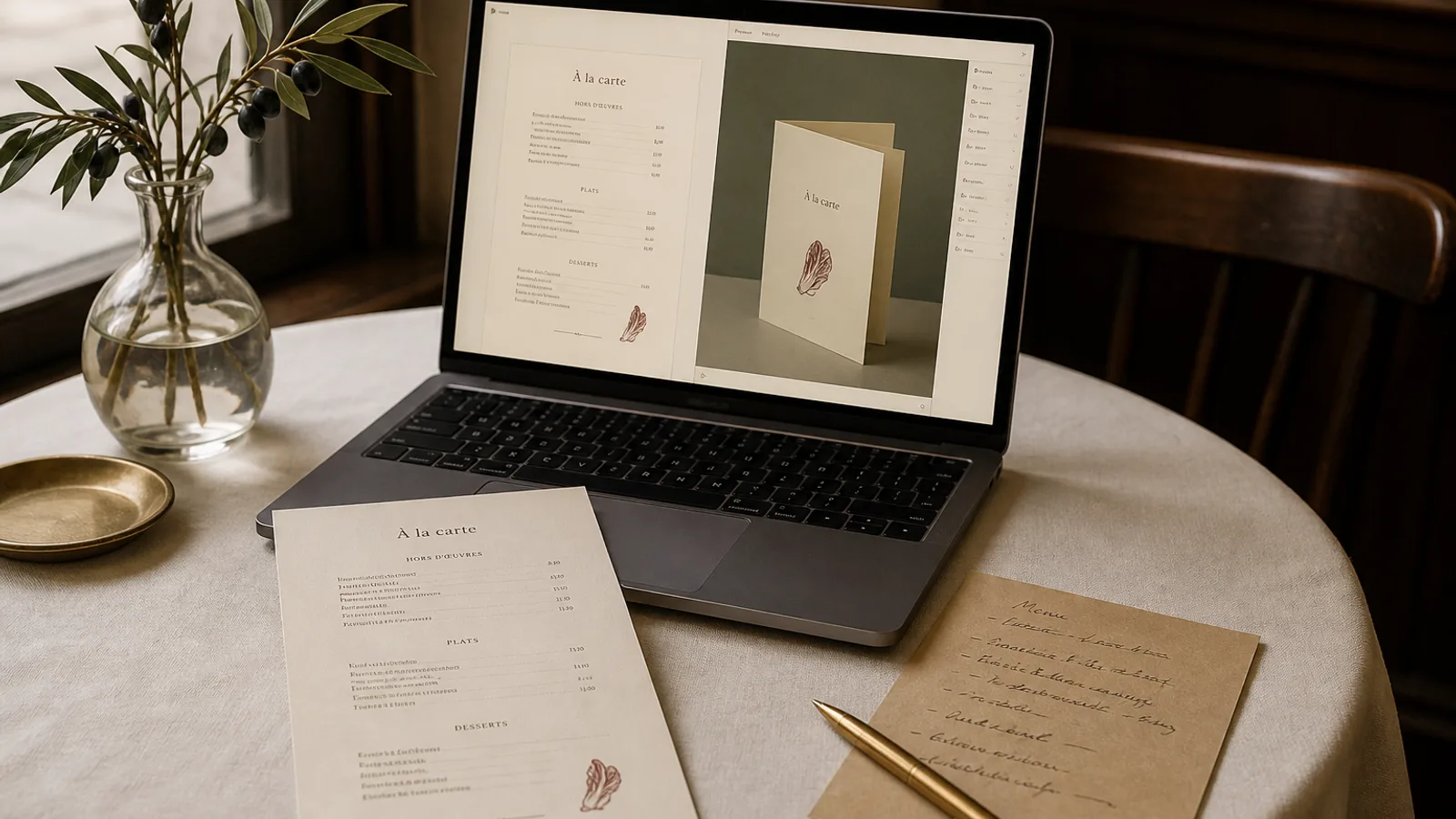
Most menus that come back to me for a fourth round of changes have the same problem: nobody decided who owned the menu. The chef rewrites a description at 11 pm, the owner moves a price the next morning, the head waiter points out that the dish everyone asks about is buried at the bottom of page two. Each of them is right, and the menu still is not finished. This article gives you a simple division of roles, a fixed order of decisions and a review method that gets a menu from first draft to print in two rounds, not six.
Three people, three kinds of knowledge
A menu is a document written by three people who know different things. The chef knows what is on the plate, what it costs to produce and what the kitchen can actually deliver on a Saturday night. The owner knows the margins, the positioning and what the room should feel like. The front of house team knows what guests ask, what they misread and what they send back.
The mistake is to treat these three as equal voices on every question. They are not. The chef should not decide whether a price ends in .50 or .90, and the owner should not decide whether the sauce is a beurre blanc or a beurre monté. Give each person the final say on the questions they are competent for, and make the other two advisers.
- Chef: dish list, ingredient names, portion wording, allergen information (the 14 allergens listed in Regulation 1169/2011 are a kitchen responsibility first).
- Owner: pricing, section order, format and paper, brand, budget and deadline.
- Front of house: dish names guests can pronounce, descriptions that answer the three questions they hear every night, readability under the actual lighting of the room.
Decide in the right order, or you will redo everything
The layout is the last thing you should touch, and the first thing everyone wants to argue about. If you pick a two-column A4 layout and then the chef adds a section of six sharing plates, the layout breaks. If you approve the typography and then the owner renames the restaurant's set lunch, the hierarchy changes. Work top-down.
- Content first: the final list of dishes, grouped into sections, with prices. Freeze it. Any dish added after this point waits for the next print run.
- Format second: A4 or A5, single sheet or bifold, how many faces. This is a function of how many lines you have, not of taste. Around 40 to 45 lines fit comfortably on one A4 face at 10.5 pt; a 70-line menu wants a bifold.
- Hierarchy third: what should the eye land on first? Usually the section titles and two or three dishes the owner wants to sell.
- Style last: typeface, colour, paper. This is where the owner's brand and the chef's cuisine meet, and it is a 20-minute decision when the first three are done.
One document, one version, one owner
Half of the wasted time in menu projects comes from parallel versions: a Word file on the chef's laptop, an old PDF the owner annotated on a phone, a spreadsheet with the prices. Pick one source of truth for the content and one person who edits it. In practice the chef writes the dish list, the owner adds prices in the same file, and nobody else touches it.
Then number the design versions. V1, V2, V3, with the date in the filename. When the head waiter says the fish section looked better before, you can open V2 and see whether that is true. It usually is not.
How to run a review that produces decisions
Do not send a PDF to three people and wait for e-mails. You will receive three contradictory lists and no decision. Print the draft at real size on a decent laser printer, put the sheets on a table during the 3 pm break and give the group 30 minutes together. Real size matters: a menu judged on a phone screen at 40% zoom tells you nothing about a 9 pt description read under a warm pendant lamp.
Ask three questions in this order: is anything wrong (spelling, price, missing allergen, a dish the kitchen dropped)? Is anything unclear for a guest? Is anything you would change for taste? Only the first two categories are mandatory fixes. The third category is decided by the owner, once, and not reopened.
The front of house test
Give the draft to the newest server and ask them to explain three dishes to you as if you were a guest. Where they hesitate, the description is failing. Where they reach for a word that is not on the card ("it is basically a lamb stew"), that word probably belongs on the card. This five-minute test catches more real problems than any designer's review.
Managing the chef's descriptions and the owner's prices
Chefs write for other chefs. "Confit shallot, jus gras, pommes soufflées" is precise and means nothing to a table of four out for a birthday. The floor team's job in the review is to translate without dumbing down: keep the technical term when it signals craft, add the plain word when the guest needs it. Two lines of description, 12 to 20 words, is the range that reads well at 9 or 9.5 pt.
Owners tend to change prices late, often the evening before print. Agree in advance that prices are set before the layout starts and that a late change costs a full proof cycle. On a right-aligned price column with dotted leaders, one longer price can push a line and reflow the section; on a menu without leaders, a price change is a two-minute edit. Knowing that difference helps the owner decide when to insist.
Working with an outside designer or a tool
If a freelancer or an agency is involved, they need one contact, not three. Nominate the owner or the manager as the single point of contact and let them collect the internal feedback before it goes out. Designers charge for rounds; a menu project billed at 400 to 900 € typically includes two rounds, and every extra round is 80 to 150 €.
If you design in-house with a tool, the same discipline applies, but the cost of a change falls to nearly zero, which is both good and dangerous. Fast iteration is only useful if the content is frozen; otherwise you get infinite tweaking. In Menu Atelier the team can generate several layouts from the same frozen dish list, compare them in 3D at real size and switch from A4 single sheet to A5 bifold in one click, so the format discussion takes minutes rather than a week of e-mails. The rest of this article still applies: decide the content first, name one owner, and review on paper before you print.