Keeping menus consistent across print, web and delivery apps
A working system for menu consistency: one dish list as the source of truth, naming and price rules, a change routine, and how to catch the drift before guests do.
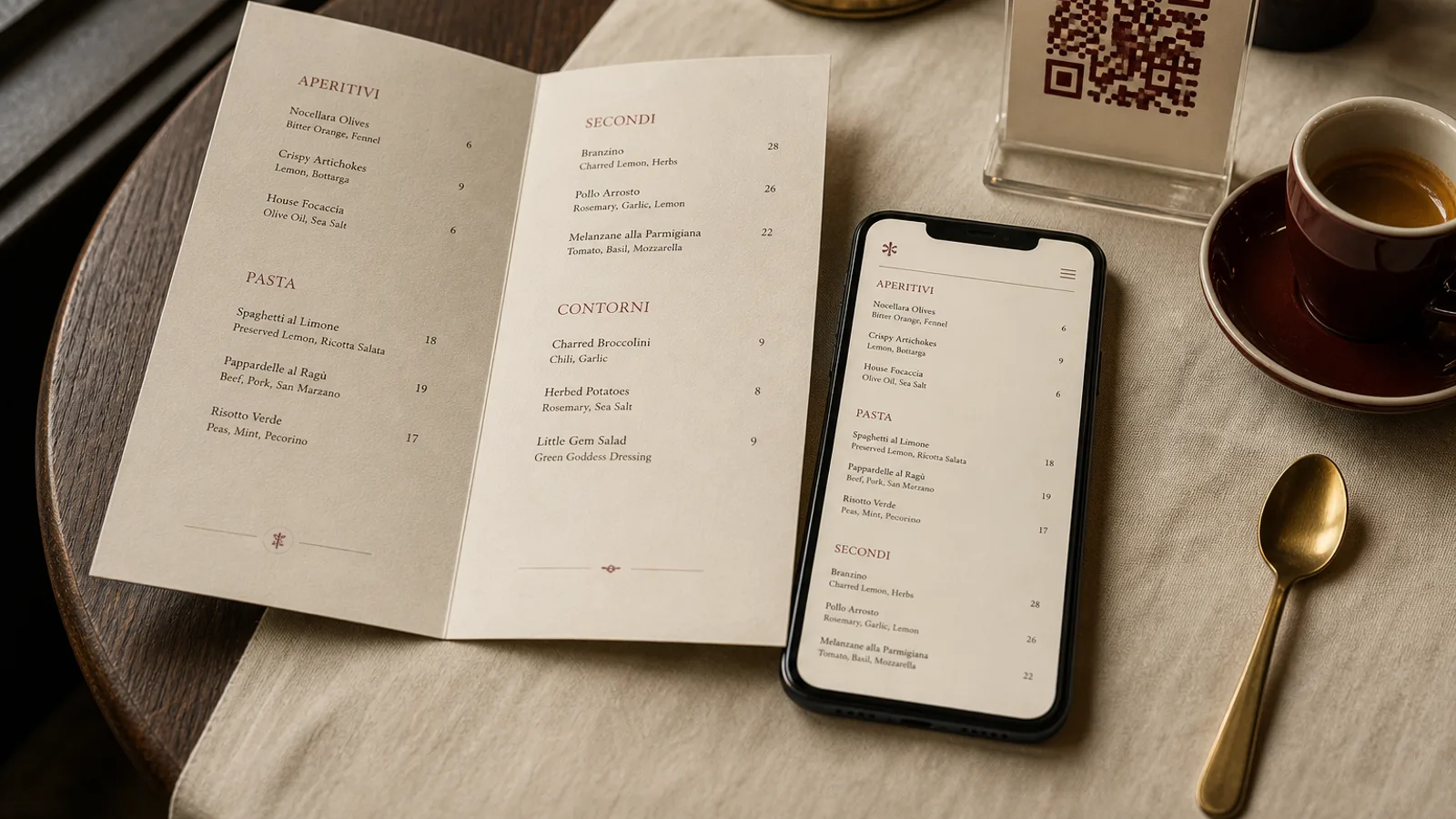
The complaint arrives the same way every time. A guest has seen a dish at 18 € on your website, orders it from the printed card at 19.50 €, and asks the server which one is right. Or the delivery app still lists the winter menu in May. Or the vegetarian option has three different names across three channels and the kitchen is not sure which one was ordered. None of these are design problems; they are versioning problems, and they are solved with a boring, reliable system rather than with more effort. Here is the one that works for restaurants with one owner and no IT department.
Where the drift comes from
Menus drift because each channel is edited in its own place, by its own person, at its own moment. The printed card is updated by whoever talks to the designer. The website is edited by a nephew with the login. The Google listing was set up once and forgotten. The delivery apps are changed by the manager on a phone at 23:00. Four editors, four copies, and no copy that everyone agrees is the real one.
The fix is not to appoint one heroic person to update everything. It is to decide that exactly one document is the menu, and everything else is a rendering of it. When that document changes, the renderings are regenerated; when it does not, nobody touches them.
The source of truth: a dish list, not a layout
The master is a plain table, one row per dish. A spreadsheet is fine; a note on the wall is not. The columns matter more than the tool.
- Section and position within it, so the order is the same everywhere.
- Dish name, exactly as it should appear, in each language you serve.
- Short description for print and a longer one for delivery, written together.
- Dine-in price and delivery price, both in €, both with the effective date.
- Allergen codes among the fourteen of Regulation 1169/2011, and dietary flags.
- Availability: permanent, seasonal with dates, or lunch only.
- Photo file name for the delivery listings.
- A version number and the date of the last change, at the top of the sheet.
Everything the printed card, the website, the Google listing and the delivery apps show should be traceable to a cell in that sheet. If a channel shows something the sheet does not, the channel is wrong by definition.
Naming and pricing rules to write down once
Most inconsistency is small: “Steak frites” on the card, “Steak and fries” online, “Rib-eye with fries” in the app. Decide the rules and keep them in the first tab of the sheet. Dish names are identical on every channel, including capitalisation. Descriptions may differ in length but not in content: the delivery version can add portion size, it cannot add or remove an ingredient. Prices are either identical everywhere or follow one stated rule, such as delivery equals dine-in plus 12 percent rounded to the nearest 0.50 €.
Set menus need their own rule. A lunch formula at 21 € is a dine-in product; in the app it becomes individual dishes or a bundle with a different name, and both should be in the sheet. Guests compare, so the relationship between the two should be explicable in one sentence by any member of staff.
The change routine
Changes happen in batches, not continuously. Pick a rhythm, monthly for most restaurants, weekly for a venue with a changing blackboard, and reserve emergency edits for a dish you can no longer serve. Each batch runs the same way.
- Edit the sheet first. Increment the version, write the date, note what changed in a small log column.
- Regenerate the printed card from the sheet and check the proof against the sheet line by line, not against the previous card.
- Update the website menu and the screen PDF from the same sheet, on the same day, and put the version date in a small footer line.
- Update the Google Business Profile structured menu and menu photos.
- Update each delivery platform from the sheet, using their allergen fields and the delivery price column.
- Send the sheet to the kitchen and the floor so everyone talks about the same dish names during service.
The whole cycle for a 40-dish menu takes an afternoon. Done monthly, that is less time than the staff currently spend explaining discrepancies to guests.
Catching the drift before guests do
Add a five-minute audit to the routine. Once a month, open the website, the Google listing and one delivery app on your phone, sitting at a table with a printed card, and pick five dishes at random. Compare name, price and description. Any mismatch goes back to the sheet and is fixed at the source. Ask a new member of staff to do it; they see what regulars have stopped noticing.
Print the version date discreetly on the card itself, bottom corner, 6 pt. It tells you at a glance whether the card on table 7 is the current one, and it settles the “which price is right” conversation instantly: the current version is right.
The printed card as a rendering of the list
Once the dish list is the master, the printed menu stops being a design file that somebody edits by hand and becomes an output. That changes how you think about redesign, too: a new look is a new rendering of the same data, not a retyping exercise that introduces fresh errors. It is also the point of a tool like Menu Atelier. You paste the dish list once, with names, descriptions, prices and allergen codes, and the layout is generated from it; when a price changes, you edit the dish, not the page, and export a fresh print-ready PDF or order a reprint on 350 g board. The same list is what you copy into your website and delivery dashboards, so the words on the table and the words on the phone come from one place.